Change no payment available text
The new GUTENBERG checkout block is so much better, but there is not much information available how to change text, you will mostly get options of the old woocommerce checkout form, while I think gutenberg is so much better.
Go to the file manager of your website.
Navigate via
- httpdocs
- wp-content
- languages
- plugins
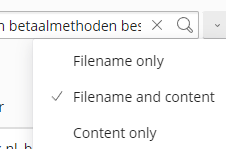
- NOW GO SEARCH FOR CONTENT
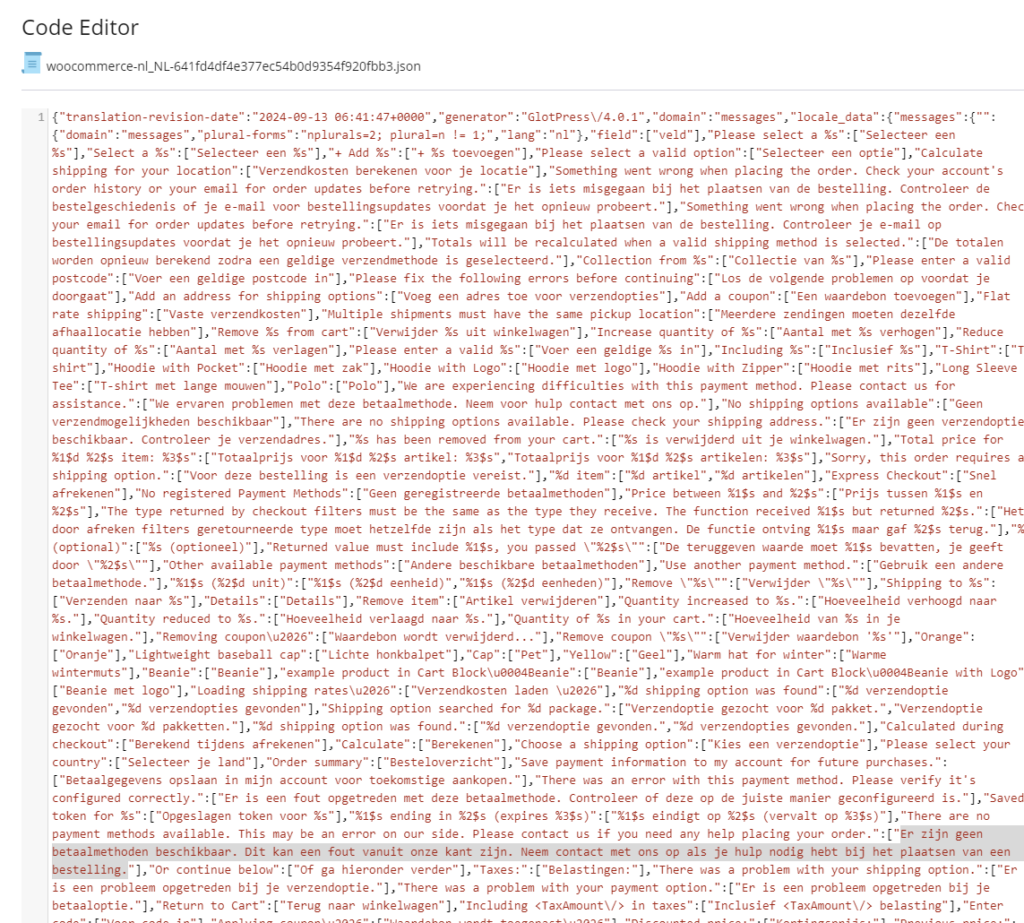
(and search for the message that is displayed in the checkout form, in dutch it’s probably: “Er zijn geen betaalmethoden beschikbaar. Dit kan een fout vanuit onze kant zijn. Neem contact met ons op als je hulp nodig hebt bij het plaatsen van een bestelling.”)
- NOW GO SEARCH FOR CONTENT
Change it in those files (probably Jason files) and save it.
On next woocommerce update, test if it still works.